Skip to content
Lucky NuggetNZ Player Guide Claim from NZ$1

Mobile play · iPhone & Android

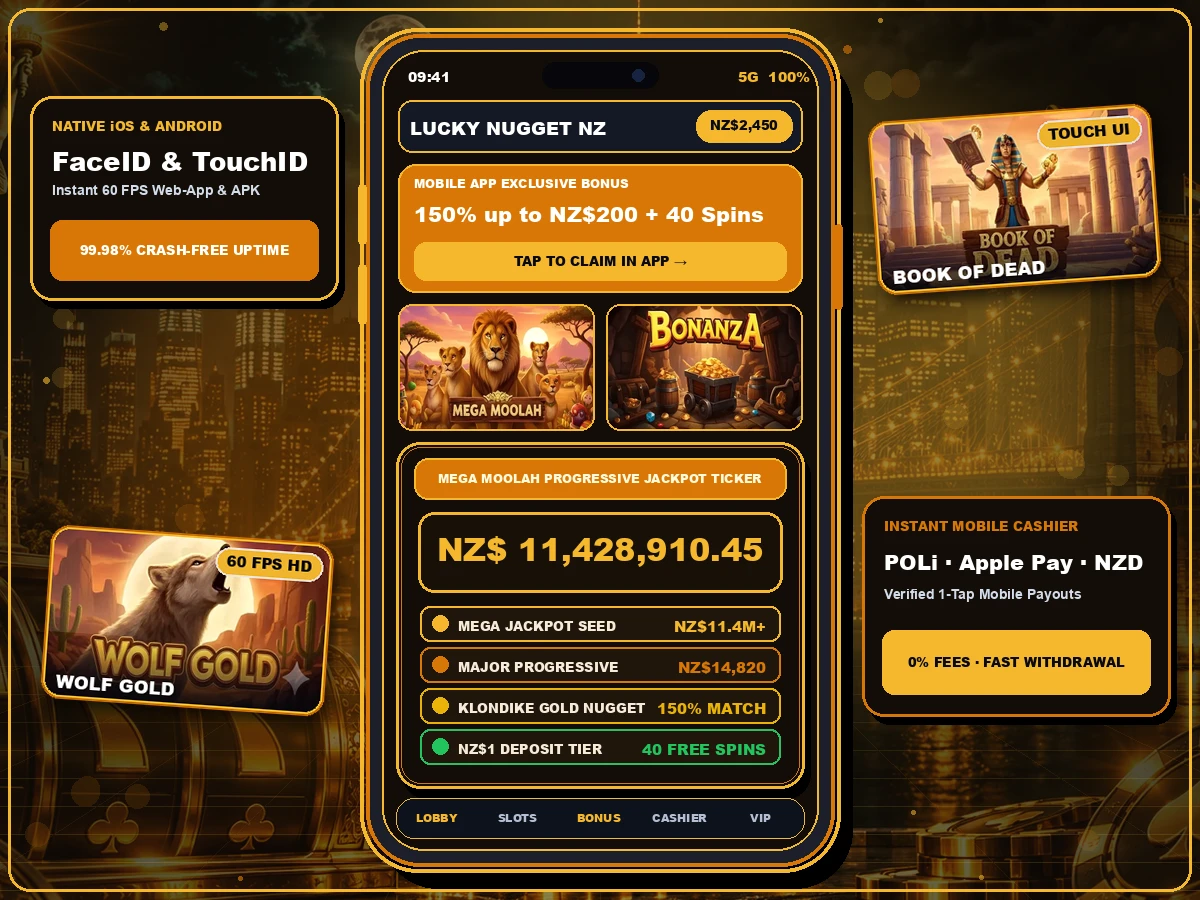
Lucky Nugget in your pocket, no App Store needed

Lucky Nugget's mobile casino runs in your phone's browser and installs to the home screen in about 20 seconds. Same NZD account, same NZ$1 for 40 spins welcome offer, same 24–48h withdrawals once you're verified.

Lucky Nugget Casino NZ Mobile App for iOS and Android Pokies

Install

Add Lucky Nugget to your home screen

iPhone & iPad (Safari)

  1. Open the casino using the button on this page, in Safari.
  2. Tap the Share icon (the square with an arrow) at the bottom of the screen.
  3. Scroll down, tap Add to Home Screen, then Add.
  4. Launch from the new gold icon; it opens full screen without the browser bar.
Open on iPhone

Android (Chrome)

  1. Open the casino in Chrome on Android 9 or later.
  2. Tap the three-dot menu in the top-right corner.
  3. Choose Install app or Add to Home screen.
  4. Confirm. The shortcut opens straight into your account.
Open on Android

Seen a "Lucky Nugget APK" on a download site? Skip it. Unofficial APKs can carry malware and capture your login. The only safe sources are the official site itself or a download link inside it.

Compatibility

Will it run on my phone?

The games are built in HTML5, so any reasonably modern phone handles them. Older handsets mostly struggle with live dealer streams rather than pokies. If your phone is more than about five years old, close other apps before a live session.

Tablets get the desktop-style lobby in landscape, which is the nicest way to play Immortal Romance or Thunderstruck Wild Lightning on the couch.

Recommended setup
DeviceMinimumBrowser
iPhoneiOS 15 or laterSafari, Chrome
iPadiPadOS 15 or laterSafari
Android phoneAndroid 9, 3 GB RAMChrome, Samsung Internet
Android tabletAndroid 9Chrome

Mobile data: what an hour costs

On Spark, One NZ, 2degrees or Skinny prepay plans, data matters. Pokies are light once loaded; live casino is not.

Approximate data use per hour
ActivityData per hourOn a 10 GB plan
Lobby browsing & cashier5–10 MB1,000+ hours
Pokies (incl. first load)20–50 MB200–500 hours
Live dealer, standard quality300–400 MB25–33 hours
Live dealer, HD500–700 MB14–20 hours

Home-screen app vs plain browser tab

FeatureHome-screen appBrowser tab
Full-screen playYesBrowser bar visible
Stays logged inYes, separate sessionUntil cookies are cleared
Storage usedUnder 5 MBBrowser cache only
Bonuses & cashierIdenticalIdentical
UpdatesAutomaticAutomatic

Plays well on mobile

Pokies that suit a small screen

Portrait-friendly layouts and big spin buttons. Tap a card for a free-play feel.

  • Thunderstruck Wild Lightning

    Stormcraft Studios / Games Global · 5 × 4 · 40 lines · Link&Win

    Thor's modern reboot with a Link&Win hold-and-respin feature and four fixed jackpots that sit alongside the free spins halls.

    Published RTP: 96.10%

  • Immortal Romance

    Games Global (Microgaming) · 5 reels · 243 ways · Chamber of Spins

    A cult favourite since 2011. The Chamber of Spins unlocks four character bonus rounds the more often you trigger it.

    Published RTP: 96.86%

  • Break da Bank Again

    Games Global (Microgaming) · 5 reels · 9 lines · up to 5x free spins

    A low-line classic: stacked wilds double wins and the free spins round multiplies everything by 5. Good for small stakes.

    Published RTP: 95.43%

RTP figures are the providers' published defaults. Operators can run alternative configurations, so always check the info panel inside the game before you play. The demo below uses play credits with no cash value and a simplified random reel — it isn't the real game maths.

Troubleshooting

When the mobile casino misbehaves

Game stuck on loading

Switch between Wi-Fi and mobile data, then reload. If a game freezes mid-spin, the result is already recorded on the server — reopen the game and the outcome will be shown or credited.

Home-screen icon logs me out

On iPhone the home-screen app keeps its own cookies, separate from Safari. Log in once inside the app itself and it will remember you.

Live dealer stutters

Drop the stream quality in the table settings, close background apps, and avoid 3G-only areas. Most rural NZ 4G is fine for standard quality.

Still locked out? Use our login and verification troubleshooter.

Frequently asked questions

Does Lucky Nugget have an app for iPhone in New Zealand?

Lucky Nugget runs as a mobile web app rather than an App Store download. On an iPhone you open the site in Safari, tap Share and choose Add to Home Screen. It then launches full screen from its own icon and takes up less than 5 MB of storage.

Can I play Lucky Nugget on Android?

Yes. Open the site in Chrome on any phone running Android 9 or later and tap Install app or Add to Home screen in the menu. If the casino offers its own Android download, only install it from the link inside the official site, never from a third-party APK mirror.

Is the welcome bonus the same on mobile?

Yes. The NZ$1 for 40 spins, NZ$5 for 100 spins and 150% up to NZ$200 tiers work identically on mobile, and the promo code NUGGET200 is entered in the same cashier field.

How much mobile data does Lucky Nugget use?

A pokies session uses roughly 5 to 15 MB on first load per game and very little after that, so an hour of pokies is usually under 50 MB. Live dealer tables stream video and can use 300 to 700 MB per hour, so play those on Wi-Fi.

Which games work on mobile?

Almost the whole library, including Mega Moolah, 9 Masks of Fire, Thunderstruck Wild Lightning, Immortal Romance, Break da Bank Again and Arena of Gold, plus Evolution live tables. Games are HTML5, so there is nothing to download per title.

Is it safe to save my login on my phone?

Use your phone's built-in password manager and turn on Face ID, fingerprint unlock or two-factor authentication. Avoid letting anyone else use your phone while you're logged in, and log out on shared devices.

Install in 20 seconds

Open the casino on your phone, add it to your home screen, and claim 40 spins for NZ$1.

Open on my phone